Ever sat down to make a beat with full creative energy?
Then twenty minutes in, you’re still scrolling through plugin folders trying to remember where you put that one compressor.
The momentum’s gone.
The idea’s faded.
Yeah. Every producer knows this feeling.
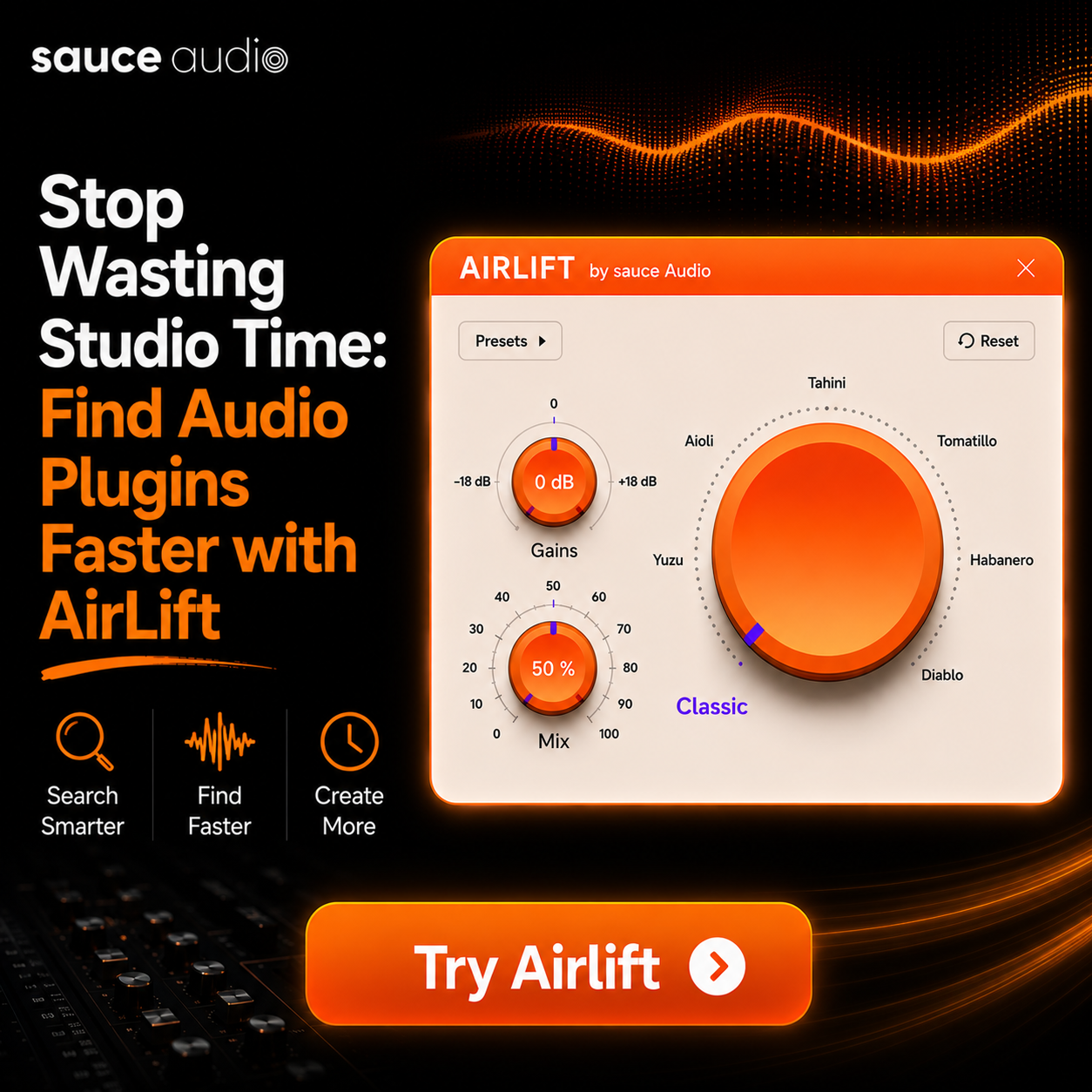
The Airlift plugin manager is built specifically to solve this problem.
And once you understand how much time the average session loses to plugin hunting, the solution becomes obvious.
In this blog we’re breaking down why producers lose hours every session to plugin chaos.
How to save time finding plugins in DAW environments.
And why Airlift is becoming a go-to tool for serious producers in 2026.
Let’s get into it.
The Hidden Time Sink Nobody Talks About
Most producers don’t realize how much time they actually lose to plugin disorganization.
A typical session?
You’re opening instrument plugins. Scrolling through effect folders. Hunting for that specific reverb you used last week.
Double-clicking through ten variations of the same compressor before you find the right one.
Add it up across a full session and you’re easily losing 90 minutes to two hours.
That’s not creative time. That’s admin time disguised as production.
The frustrating part is that most producers accept this as normal.
It isn’t.
It’s a workflow problem with a workflow solution.
Why Plugin Folders Get Out of Control
The cause is simple.
Most producers accumulate plugins over years.
Free packs from bundles. Premium plugins from sales. Demo versions that never got uninstalled. Multiple versions of the same plugin across different vendors.
Your VST folder becomes a graveyard of half-remembered tools.
And even if you keep your folders tidy, your DAW’s internal plugin browser usually doesn’t categorize them in a way that matches how you actually think about sound.
You don’t remember plugins by manufacturer.
You remember them by what they do.
“That punchy compressor.”
“The bright reverb.”
“The saturator with the tape mode.”
That mental model isn’t how most DAWs organize things. Which is exactly why finding the right tool takes so long.
What Airlift Actually Does
The Airlift plugin manager approaches the problem differently.
Instead of forcing you to remember plugin names or scroll through alphabetical folders, it organizes your library around how producers actually work.
Function-based categorization. Fast search. A clean interface that fits into your existing DAW workflow rather than fighting it.
The result?
You find plugins by what you need them to do.
Not by trying to remember what they’re called.
This is a meaningful shift. And it’s why the best plugin organizer for producers in 2026 conversations consistently includes Airlift.
For producers who want to add air to vocals quickly without sifting through six different EQ plugins to find the right one, that workflow gain alone justifies the install.
How to Organize VST Plugins Fast
If you’ve been putting off cleaning up your library, here’s the honest truth.
Doing it manually takes hours.
Sometimes days.
And most producers give up halfway through and end up with an even messier setup than they started with.
The point of using a tool like Airlift is that the how to organize VST plugins fast problem becomes a non-issue.
The categorization, tagging, and quick-access functionality happens in the background.
You focus on actually making music.
The time savings compound over months. A session you would have spent two hours hunting plugins through becomes a session where you’re making music from minute one.
What Sets Airlift Apart From Other Tools
There are other plugin management options on the market. Most fall into one of two categories.
The first category?
Overcomplicated software that requires you to spend an afternoon configuring it before you get any value out of it.
The second?
Barebones organizers that don’t actually solve the problem. They just rearrange the chaos.
The Airlift plugin manager review 2026 producers keep coming back to highlights one thing.
Airlift sits between those two extremes.
Powerful enough to handle large libraries. Simple enough that you can install it and feel the difference in your first session.
For producers exploring free music production plugins, Airlift also handles those alongside premium plugins without treating them as second-class citizens.
Everything sits in one searchable, organized space.
How Much Time Are We Actually Talking About?
Let’s get specific.
If you spend two hours per session searching for plugins, and you work on music three days a week?
That’s six hours of lost creative time weekly.
Twenty-four hours a month.
Almost an entire workday gone.
Over a year, that’s around 12 full working days you’re spending on plugin admin instead of music.
When you frame it that way, the case for tools designed to stop wasting time in music production sessions becomes pretty hard to argue with.
The airlift free plugin pack from SauceAudio is genuinely worth installing just to feel the difference.
A free trial that demonstrates the value in a single session is hard to beat.
Why This Matters More in 2026
The plugin landscape has exploded.
More free plugins. More premium options. More bundles. More updates. More variations than ever before.
Producers in 2026 are working with libraries that would have been unimaginable five years ago.
That abundance is great.
It’s also a liability if you don’t have a system to manage it.
The producers who are getting the most done in 2026 aren’t necessarily the ones with the biggest plugin collections.
They’re the ones with the most efficient access to the plugins they actually use.
Workflow tools matter as much as the plugins themselves now.
How This Fits Into the Bigger Picture
Plugin organization is one piece of a larger workflow philosophy.
The producers who consistently finish music have learned that efficiency at every stage matters.
Clean templates. Organized samples. A reliable plugin chain. A clear path from idea to final master.
When you eventually get to how to master a mix, the energy you’ve saved on plugin admin earlier in the session pays off.
You arrive at the mastering stage with focus instead of fatigue.
Same logic applies to mix buss processing.
The cleaner your workflow upstream, the better your decisions at every stage.
The Bottom Line
The Airlift plugin manager isn’t a magic solution that turns bad mixes into great ones.
It’s something more practical.
A tool that gives you back the time you’re already losing.
So that time goes into making music instead of digging through folders.
For producers who feel like they’re constantly running out of session time before the idea is finished?
The fix often isn’t more plugins or more hours.
It’s better access to what you already own.
Wrapping Up
If you’ve been feeling like your sessions are eating themselves before you finish a track, the issue is almost never inspiration.
It’s friction.
The Airlift plugin manager removes the friction that producers have accepted as normal for too long.
Faster access. Cleaner organization. More time spent on the actual creative work.
Try the free trial. Use it for one full session.
Then count how much time you saved.
The number tends to surprise people.
FAQ
- What is Airlift and how does it work with my DAW?
- Airlift is a plugin management tool that organizes your VST library by function rather than by manufacturer.
- It integrates with your existing DAW and lets you find plugins based on what they do, not what they're named.
- How does Airlift help producers organize their plugins?
- It categorizes your library automatically. Tags by function. Provides fast search.
- Instead of scrolling through folders, you find the right tool in seconds.
- Is Airlift compatible with FL Studio and other DAWs?
- Yes. Airlift works alongside major DAWs including FL Studio, Ableton, Logic, Pro Tools, and Studio One.
- The integration is non-intrusive and doesn't interfere with your existing workflow.
- How much time can Airlift save during a production session?
- Most producers report saving between one to two hours per session once Airlift is set up.
- Over a month, that adds up to a full working day of recovered creative time.
- Is Airlift free or does it require a subscription?
- A free trial is available so you can test the workflow benefits before committing.
- For long-term access, check SauceAudio's current pricing on their official site.