Mastering EQ plugins are where a track quietly turns into something finished. That final polish, that balance, that sense of “this just sounds right,” it almost always comes down to EQ for mastering music.
The truth is, mastering EQ doesn’t require big moves. It’s about taking small, purposeful steps, ones that add clarity, depth, and cohesion to One’s narrative. This guide is a deep dive into mastering EQ plugins, audio mastering EQ settings, and real-world EQ techniques for mastering. From parametric EQ for mastering to mastering chain EQ settings, all of the information is designed to help produce cleaner, more professional sounding masters.
What Are Mastering EQ Plugins?
Mastering EQ plugins are designed to operate on the overall track rather than on isolated sounds only. At this stage, the mixing is done already. The job now is to gently shape the overall tone so everything feels balanced together: nothing poking out, nothing getting lost.
Instead of aggressively fixing problems, EQ mastery is more about refinements:
- Smoothing harsh frequencies
- Tightening low-end
- Opening up the top-end
Modern mastering EQ software makes this easier with tools like spectrum analyzers, dynamic EQ, and mid/side processing. But the mindset stays the same, subtle, intentional, musical moves.
Why EQ Is So Important in Mastering
A great mix can still fall apart on different systems.
Too much low-end? It overwhelms small speakers.
Harsh highs? Instant listener fatigue.
Muddy mids? The whole track feels unclear.
That’s where EQ techniques for mastering come in.
Good mastering EQ:
- Brings balance across all frequencies
- Helps tracks translate on phones, cars, and headphones
- Adds clarity without making things sound processed
And here’s the part most beginners miss: the best mastering EQ moves are barely noticeable, but deeply felt.
Read More – Best Free Audio Plugins for Music Production in 2026
Types of EQ Used in Mastering
Parametric EQ
This is the core tool. Parametric EQ for mastering gives full control, frequency, gain, and bandwidth. Perfect for surgical and musical adjustments.
Linear Phase EQ
Used when transparency matters most. It avoids phase distortion, which helps keep the stereo image intact.
Dynamic EQ
Think of this as EQ that reacts. Instead of constant cuts or boosts, it only works when needed, great for controlling harshness.
Analog-Style EQ
Less about fixing, more about feel. Adds subtle color and warmth that can make a master feel more “alive.”
Read More – Explore Sauce Audio plugins here.
A Smarter Approach to Mastering EQ Plugins
There are endless lists of the best mastering EQ plugins. But what actually matters is this:
Does the tool help achieve the result faster, cleaner, and more musically?
One area where many producers struggle is the high-end.
Adding brightness often turns into:
- Harshness
- Sibilance
- Fatigue
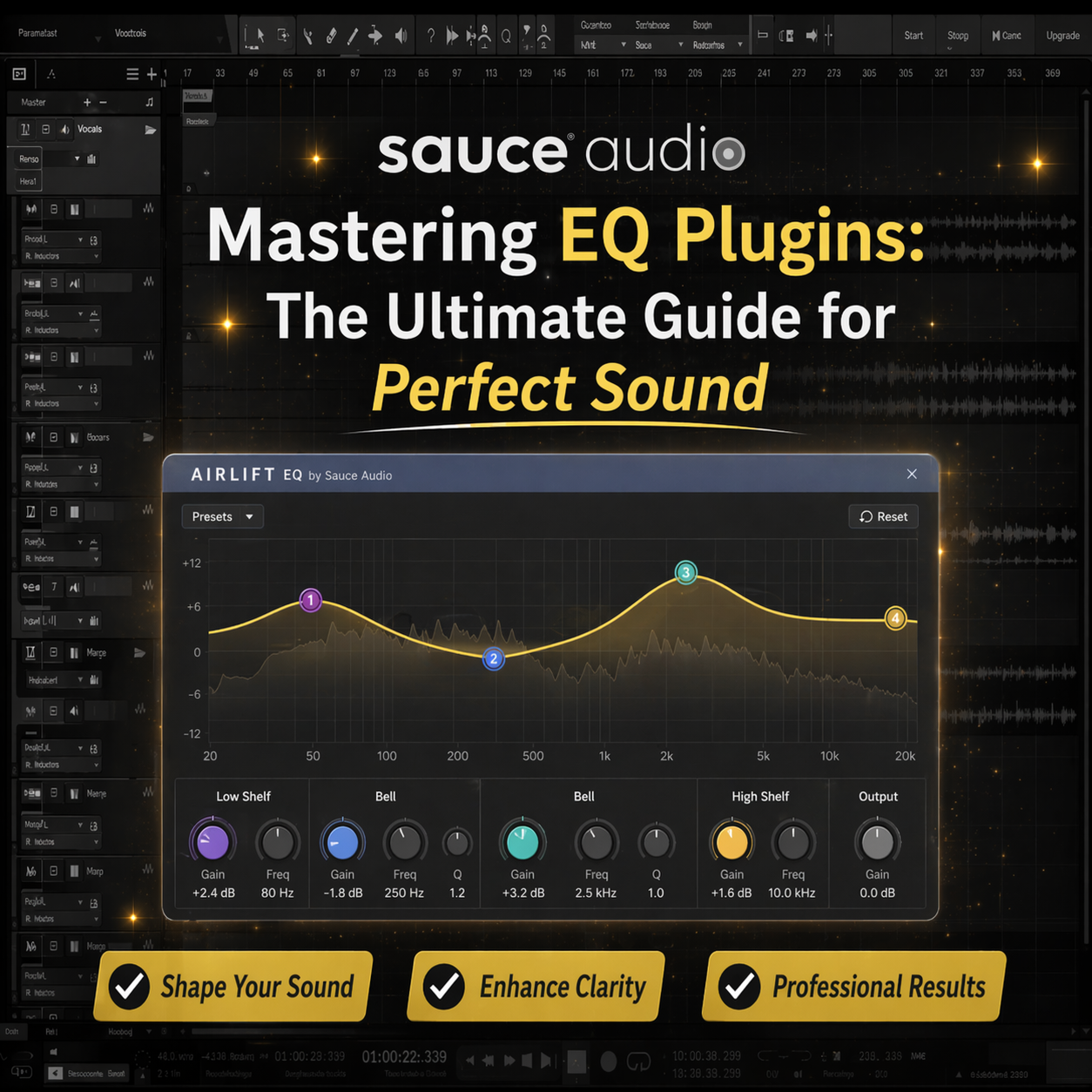
That’s exactly where a tool like Airlift by Sauce Audio fits differently.
Instead of boosting highs in a traditional way, it enhances the top-end smoothly. The result feels open and airy, without that brittle edge.
For anyone working on modern mixes, especially for streaming, that kind of control makes a real difference.
A quick way to understand it is to try it directly. Sauce Audio’s products all come with a trial, so it’s easy to hear for yourself how much a subtle high-end enhancement can shift a master.
Read More –Best Plugins for Home Studio Music Production [2026]
How to Use EQ in Mastering (Step-by-Step)
This is where things become practical. No fluff, just a clean process.
1. Start by Listening, Not Touching
Before adjusting anything, listen fully. Identify what actually feels off.
2. Analyze the Spectrum
Use visual tools to confirm what is being heard, low buildup, harsh peaks, or missing presence.
3. Clean First
Cut problematic frequencies before boosting anything. This alone improves clarity.
4. Balance the Spectrum
Focus on the relationship between lows, mids, and highs. Not perfection, balance.
5. Add Character Gently
This is where subtle boosts or tools like Airlift can bring life into the track.
6. Keep Headroom Intact
Avoid pushing levels too early. Mastering works best with space.
Read More –Best VST Plugins for Vocals Production in 2026
Best EQ Settings for Mastering (Real-World Ranges)
There’s no “perfect preset,” but there are reliable zones.
Low-End (20–120 Hz)
Control rumble. Tighten the bass so it feels solid, not overwhelming.
Midrange (200 Hz – 2 kHz)
This is where clarity lives. Small changes here can clean up muddiness fast.
High-End (8 kHz+)
This is the “air.” The openness. The shine.
Handled poorly, it becomes harsh.
Handled right, it feels expensive.
This is why many producers now prefer dedicated tools over aggressive EQ boosts in this range.
Common EQ Mistakes (That Ruin Masters)
Some patterns show up again and again:
- Boosting too much instead of fixing the source
- Using too many EQ bands
- Ignoring reference tracks
- Trying to “over-perfect” the sound
The biggest mistake?
Forgetting that mastering is about restraint.
Tips That Actually Improve Mastering EQ
Instead of overcomplicating things, these principles work every time:
- Make smaller moves than expected
- Always A/B test changes
- Use reference tracks consistently
- Combine EQ with compression and limiting carefully
And when it comes to the high-end, avoid forcing brightness.
Tools designed specifically for that range tend to sound far more natural.
That’s exactly why solutions like Sauce Audio’s Airlift are becoming part of modern mastering chains.
Free vs Paid Mastering EQ Plugins
Both have their place.
Free EQ plugins for mastering
Good for learning. Solid basics. Limited flexibility.
Paid mastering EQ plugins
More precise. Faster workflow. Better control over subtle details.
For anyone serious about improving results, upgrading tools eventually becomes less about cost, and more about consistency.
Mastering EQ plugins are less about fixing and more about refining the existing. The difference between a good master and professional master comes down to small intentional EQ decisions. Some understanding of the EQ principles in mastering, the application of balanced audio mastering EQ settings, and avoiding over-processing can bring about a remarkable change in results.
Modern tools, such as Sauce Audio’s Airlift, make one of the most difficult tasks, clean, smooth high-end without harshness, much easier. All this work and knowledge ensure that mastering stops being a technical roll of the dice and instead remains a controlled, musical decision set that travels well over any listening terrain.
Frequently Asked Questions
- What is EQ in mastering?It shapes the overall tonal balance of the final track.
- How to use EQ in mastering?Start with cuts, balance frequencies, and apply subtle boosts.
- What are the best EQ plugins for mastering?Tools that offer precision and musical control, especially in sensitive ranges like highs.
- Mixing EQ vs mastering EQ?Mixing EQ is detailed and track-specific. Mastering EQ is broad and subtle.
- What frequencies matter most?Lows (20–120 Hz), mids (200 Hz–2 kHz), highs (8 kHz+).
- Can EQ fix a bad mix?Not fully, it can only improve what’s already there.
- What is linear phase EQ?A transparent EQ that avoids phase issues.
- How much EQ is too much?Anything clearly audible as “processing” is usually too much.
- Are free EQ plugins good?Yes, for starting out and learning fundamentals.
- How to balance frequencies in mastering?Use references, subtle adjustments, and trust the ears over visuals.