Ever finished a mix that technically sounds fine but feels stuck behind glass? You’re not the only one, and the missing piece usually has a name. It’s called air.
And figuring out how to add air to a mix is honestly one of the best skills you can pick up as a producer. We’re walking through some real mix balance tips here, getting into a proper high frequency boost in mixing without it turning harsh, and unpacking EQ for airy sound that actually helps tracks breathe.
If your mixes have been feeling flat lately, stick around. We’ll sort it.
What Air Actually Means in a Mix
Pull up any song you love. Doesn’t matter the genre. Listen up top and there’s this open, breathy thing happening above everything else. That’s air.
Technically? It lives between 10kHz and 20kHz. Producers call it the air band, and that’s where shimmer and polish hang out. But here’s the part nobody told me early on. Air isn’t the same as brightness. A bright mix can still feel small and stuffy. A darker mix can feel wide open.
It’s about relative positioning, not volume, with the highs versus the rest of the mix. That is why audio mixing clarity doesn’t start by boosting one frequency that sounds weak with another but by understanding the relationship between frequencies.
Explore now:- How to Brighten Vocals Without Making Them Harsh
Why Most Mixes Sound Dull
Most of us have done the same thing. Mix sounds flat, so we grab a high shelf, push 12kHz up a few dB, hope for magic. Instead the hi-hats start stabbing, the vocal goes sibilant, and now everything’s worse. Sound familiar?
Here’s the thing. Dull mixes usually aren’t lacking highs. They’re choked up with mud in the 200 to 500Hz area, or there’s masking happening between instruments. Sometimes the arrangement itself is doing too much and no plugin’s gonna save it.
So before any high frequency boost in mixing, pause. Is the air actually missing, or is something else just in the way? That one question changes how the whole mix gets approached.
It’s also why how to avoid over-processing in a mix is such an underrated skill. Stacking ten plugins on a vocal trying to make it shine usually does the opposite.
How to Add Air to a Mix The Right Way
Let’s get practical.
Step 1: Cut before you boost
Sounds backwards, I know. But trust me. Sweep through your busier tracks (guitars, room mics, pads) and pull 2 or 3dB around 300Hz. Just listen. Air shows up on its own. Making room down low gives the highs somewhere to actually exist.
Step 2: Gentle shelves only
When you finally do reach for EQ, go light. High shelf at 10 to 12kHz, 2 to 3dB boost on the master, wide Q. That’s the move for EQ for airy sound, and it doesn’t sound EQ’d. It just sounds open.
Same logic on vocals. Want to make vocals brighter naturally? Small shelf up top, dynamic EQ riding along to catch harsh moments. That’s also pretty much how to add air to vocals without it turning hissy.
Step 3: Saturation is your secret weapon
Took me forever to appreciate this one. Saturation adds harmonics, and your ear reads those harmonics as brightness, even though no frequency got boosted. It’s basically the answer to how to brighten vocals without harshness. A bit of tape or tube saturation does what EQ just can’t sometimes.
Step 4: Go wide up there
Air has a stereo side too. A wide top end feels airier than a centered one. Try mid/side EQ, boost only the sides in the air range, leave the middle alone. Mix gets this three-dimensional feel without you touching loudness at all.
A Shortcut Worth Trying
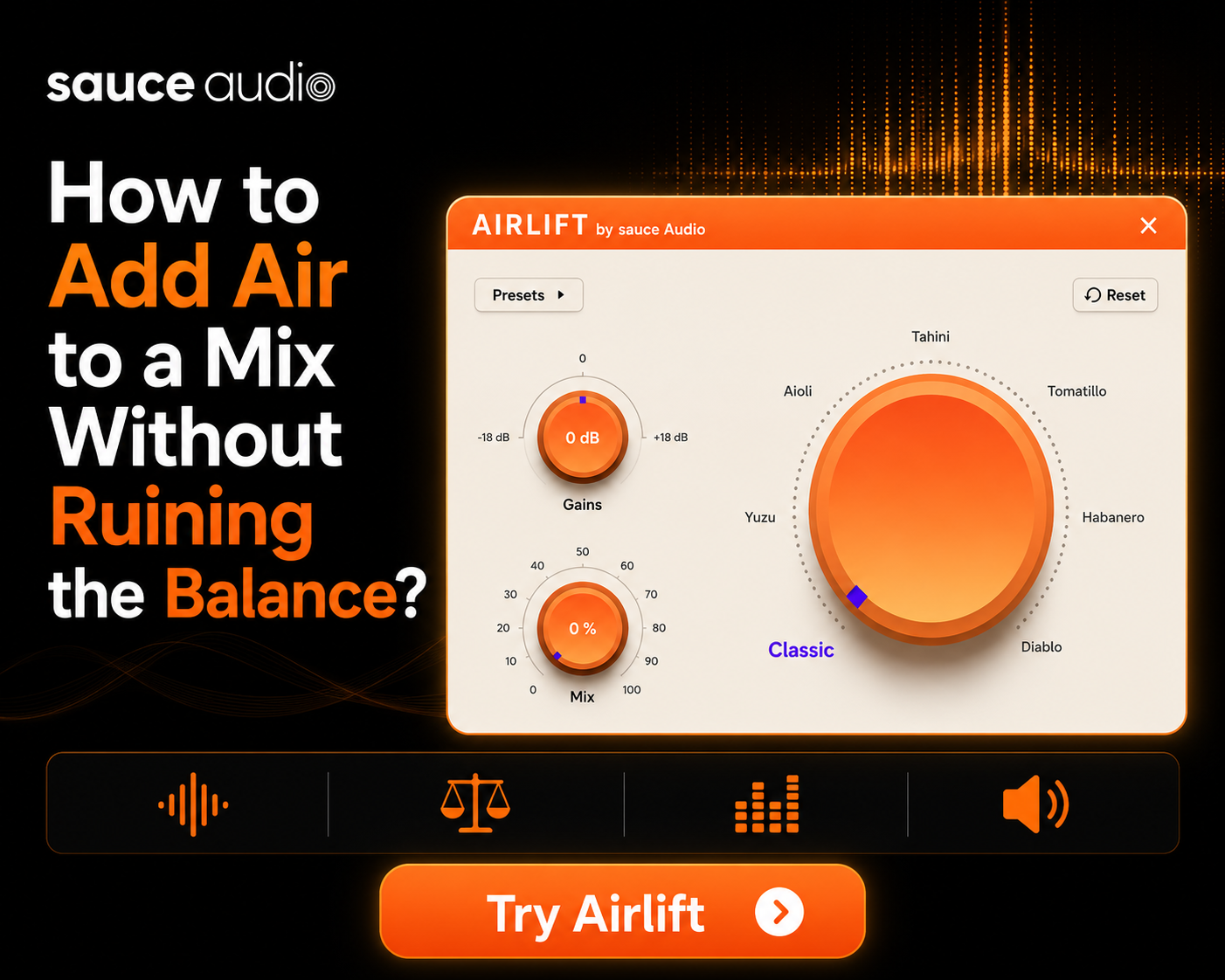
If managing all this feels like a lot, there’s one tool genuinely worth checking out. The SauceAudio AirLift plugin wraps the whole process into a single knob. Turn it, and it adds clarity, presence, and shimmer without ever crossing into harshness.
There’s a free trial too, so no risk in throwing it on a mix that’s been frustrating you. Comes in clutch when you’re figuring out how to fit vocals in a mix and just want that polished finish without burning an hour A/B testing shelves.
Mix Balance Tips That Actually Matter
Adding air is one thing. Keeping the whole mix balanced after is a separate game. Some mix balance tips worth keeping close.
Reference tracks. Always. Pull up a commercial song in the same genre and compare. Yours feels more closed? Brighter? Your ears beat any meter, every single time.
Check on multiple systems. Monitors, laptop, phone, car, earbuds. A mix that’s gorgeous on monitors can be painful on AirPods. Only way to catch it is to actually listen on different gear.
Take breaks. Ear fatigue is real. Tired ears want more highs, you boost more, and next morning the mix is too bright. Step away every 30 to 45 minutes.
For folks mastering your own mixes at home, balance is the whole game. Air is the finishing touch, not the foundation. Once this stuff feels natural, exploring music mastering at home workflows and trying out different mastering EQ plugins gets a lot easier, since you’ll already know what to listen for.
Air vs. Mud: Not The Same Thing
People mix these two up constantly. Adding air is a high-frequency move. Removing mud is a low-mid move. Different parts of the spectrum.
But here’s the twist. Cutting mud often creates the feeling of air without you touching the highs at all. Cause once that low-mid buildup is gone, the highs aren’t fighting through a wall of 300Hz to be heard. So if a mix feels boxy or stuffy, don’t go for 12kHz first. Try cutting around 300Hz. You might not need to boost anything up top.
That kind of audio mixing clarity takes a minute to develop instinctively. But once you hear it once, you can’t unhear it.
Read More – Best Free Audio Plugins for Music Production in 2026
Wrapping Up
Learning how to add air to a mix isn’t really about adding anything. It’s about stepping aside. Clean the mud, use gentle shelves, lean on saturation when EQ feels too aggressive, widen the top end where it fits. Trust your ears over your eyes.
The best mix balance tips all come down to knowing when to stop. Next time a mix feels stuck, pause before going for the treble. Ask what’s blocking the air instead of what’s missing. Let the track actually breathe.
FAQ
- What does “air” mean in audio mixing?That open, breathy sound at the top end of a mix. It inhabits the frequency range of 10kHz to 20kHz. Instead of a claustrophobic feeling, there’s an open breathy sound at the top end in a mix (frequency range between 10kHz and 20kHz) that makes a song feel finished.
- What frequency range is the “air band” in a mix?Roughly 10kHz to 20kHz, although most of us end up making actual moves somewhere around 10 to 14kHz, as this is where it sounds the most musical.
- How do I add air to a mix without making it sound harsh and shrill?Keep the shelf gentle, around 2 to 3dB. Clean the low-mids first. And try saturation before going heavy on EQ. Order matters here.
- What is the simplest EQ technique to add air to a mix?High shelf around 10 to 12kHz, small boost, wide Q. Hard to mess up if you go light.
- How to brighten a mix without harshness?Pair a soft shelf with a little saturation, and always cut muddy frequencies first. Boosting on top of mud just makes harshness worse.
- What’s the difference between adding air and removing mud in a mix?Air’s a high-end move. Mud’s a low-mid move. But cutting mud usually makes a mix feel airier on its own, so it’s the smarter first step almost every time.